Build on the web. Train on the go.
No other mobile learning platform puts training in the hands of your employees as fast as TalentCards.
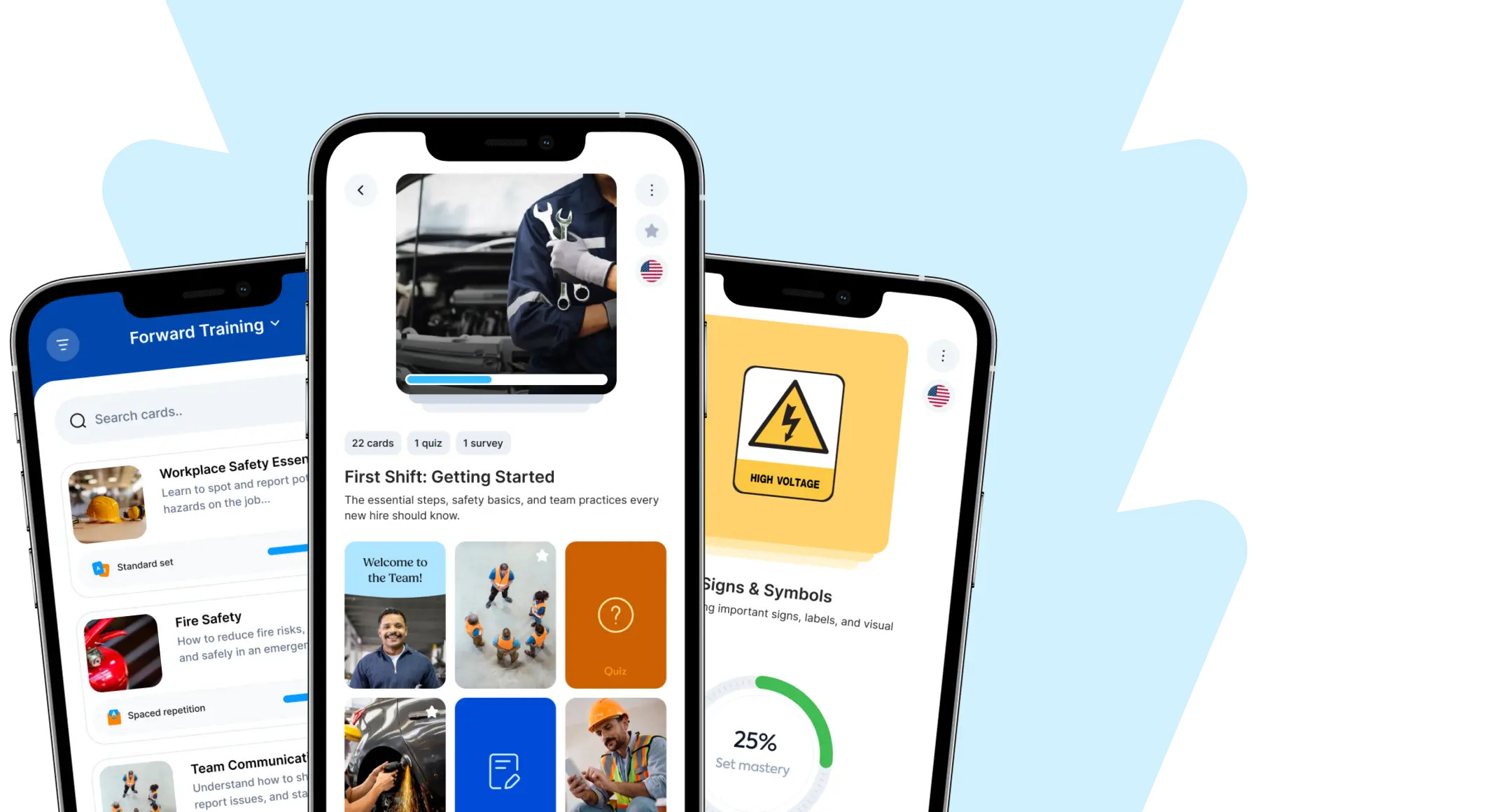







Content creation features
Cut through the noise with microlearning that gets right to the point
It all starts with mobile-first flashcards: short, impactful training that’s always a tap away.
Flashcard-Based Training
Build out rich card sets with text, images, audio recordings, videos, and much more. Then top them off with quizzes and custom feedback so learners don’t just get a score— they learn what to fix, right away.

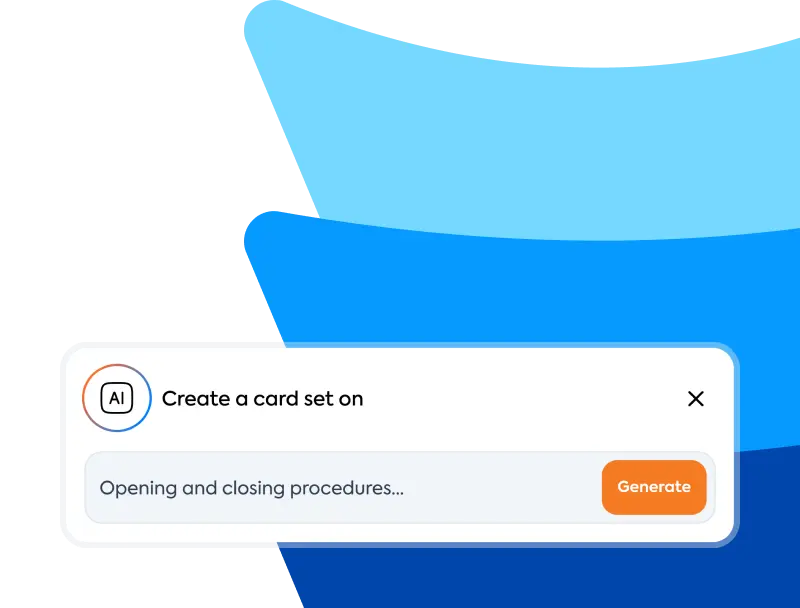
Instant Course Creator
Type in a topic and TalentCards generates a complete microlearning course: cards, visuals, and a quiz, so you can launch quickly, then fine-tune with your own expertise.
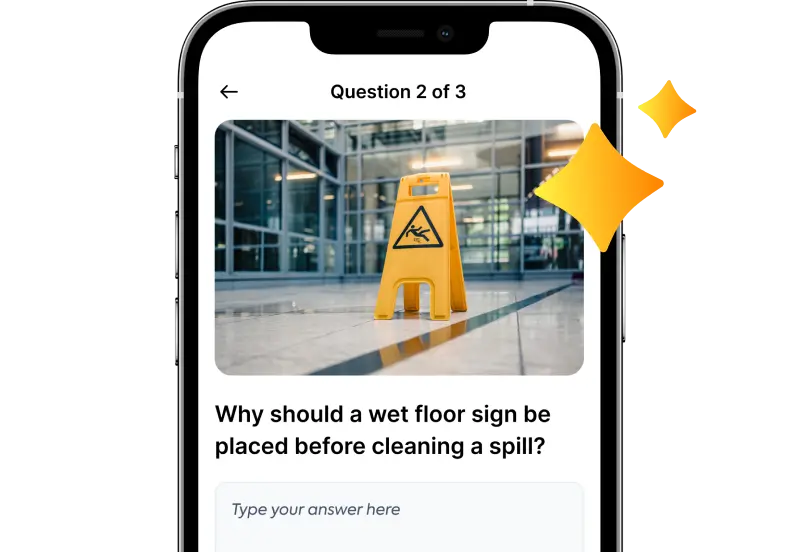
AI-Graded Quizzes
Ask learners to explain, not just guess. Create short answer questions and define what correct responses should and shouldn’t include. Then let TalentCards’ AI grade responses instantly, so knowledge checks stay fast and meaningful.
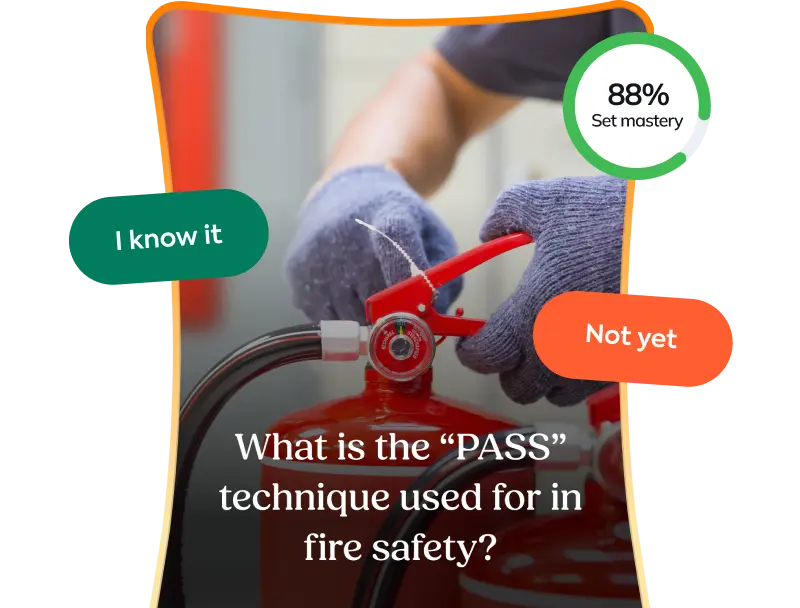
Spaced Repetition
Build spaced repetition into your training so people don’t forget it after day one. The app adapts for each learner, focusing extra practice on the areas they miss, so they spend time where it really matters.
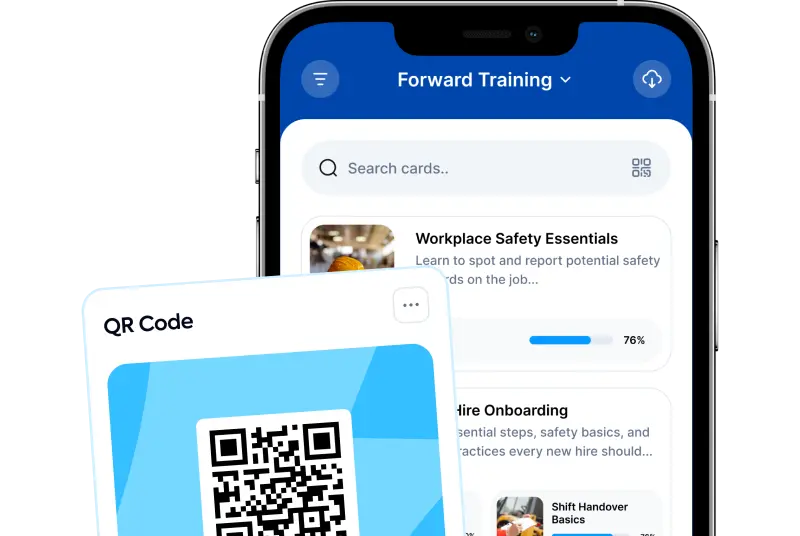
Scan-to-Access QR Codes
Every course you create has its own QR code. Place it on equipment, products, or workstations so learners can scan and jump straight to the exact resource they need, right when they need it.
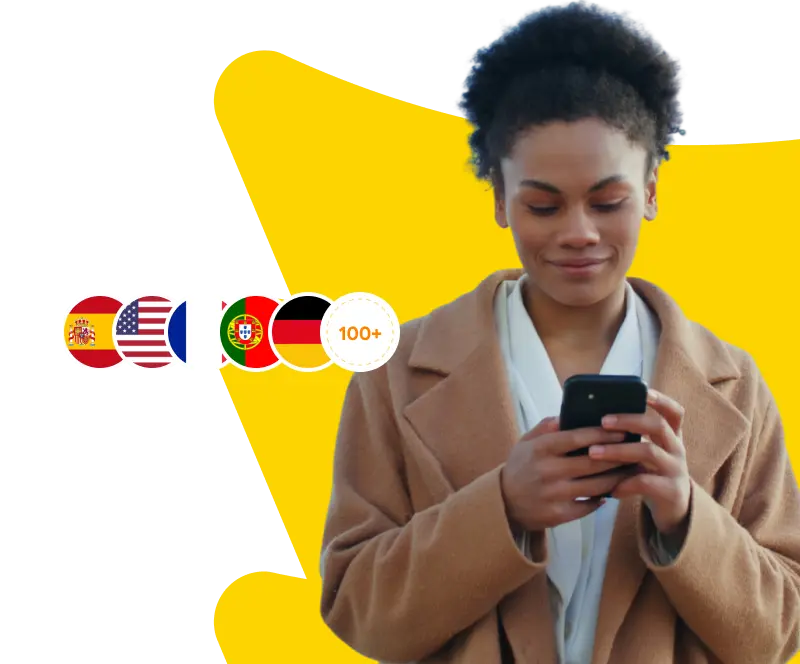
AI Course Translation
Translate your training into 100+ languages with a click, so every learner can complete it in the language they understand best.
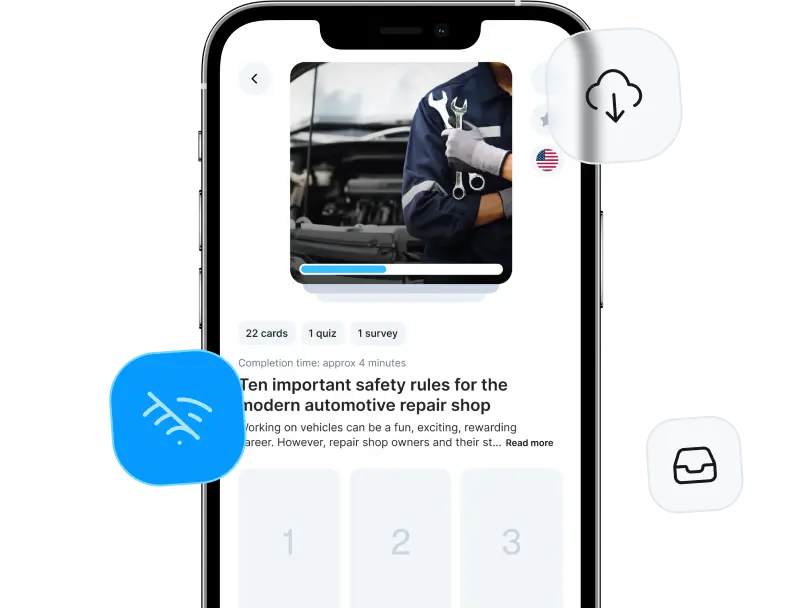
Offline Mode
Learners download content ahead of time, so training and critical answers stay available anywhere, even without internet. If someone forgets a step, it’s a quick search and a tap away.
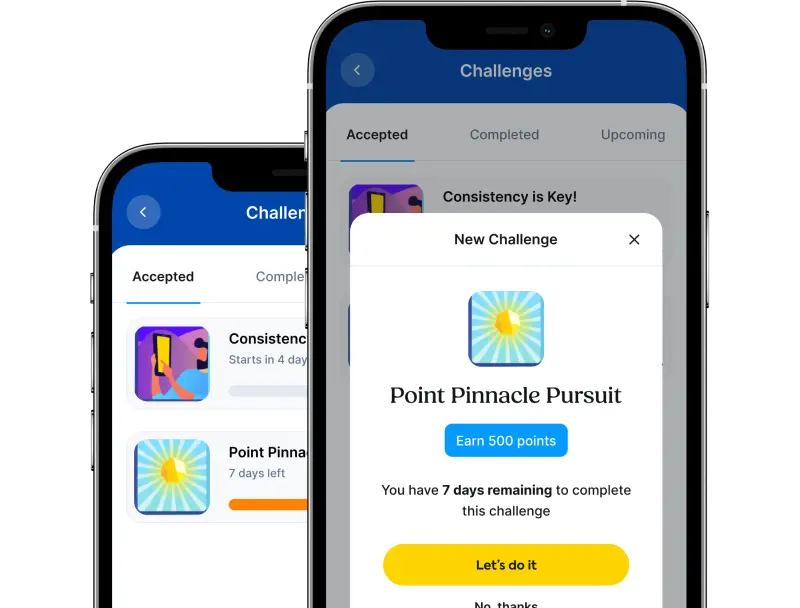
Gamification
Use challenges, badges, and leaderboards to make training feel rewarding, not forced. When learning becomes a habit, completion goes up, and new skills actually show up on the job.
Learner engagement features
Bring training to the job, not the other way around
Deskless teams don’t have time for sit-down training, so give it to them “to go” and keep the right answers, right in their pockets.
Roll out and Adoption features
Set up for one site. Scale to all of them.
TalentCards is built for deskless reality, so adoption doesn’t stall at setup or login.
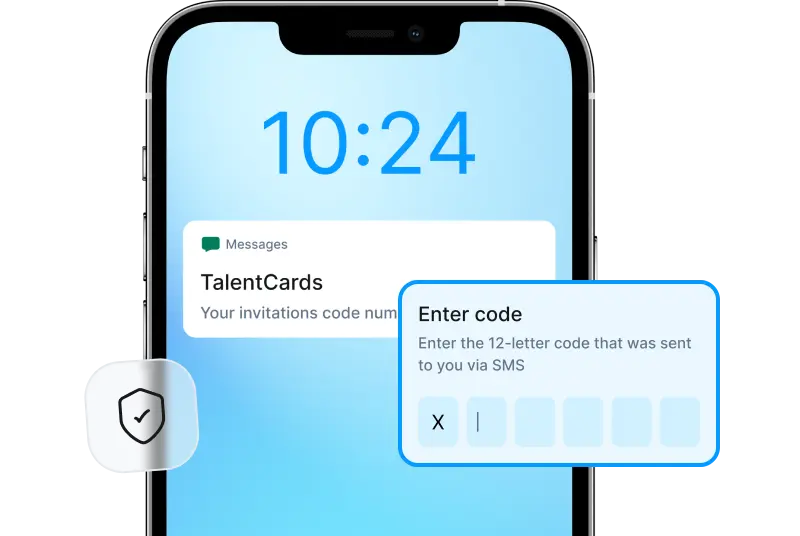
Learner Invites via SMS or Email
Send invites via phone number or email, whatever your team actually has. Learners download the app, type in a code, and start training, so adoption doesn’t get stuck on logins or IT tickets.
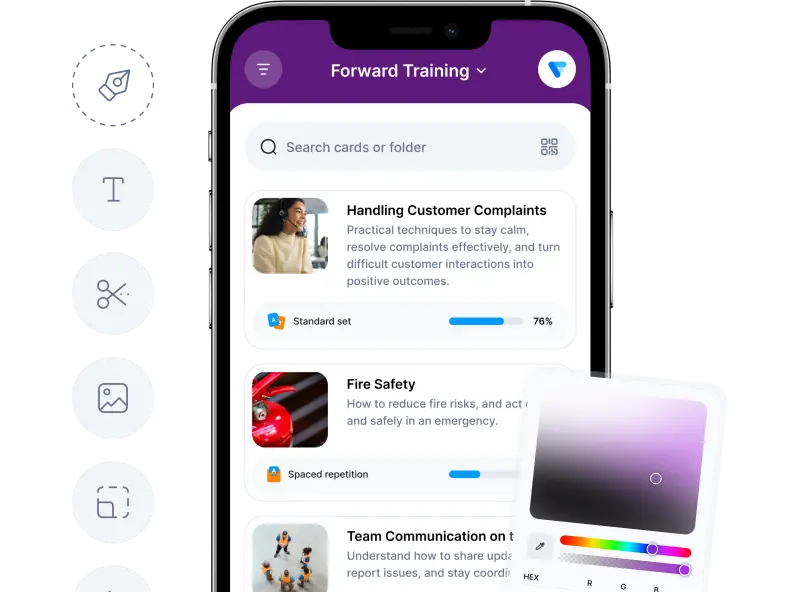
In-App Branding & Customization
Brand the app with your logo and colors, so training feels familiar from day one and adoption doesn’t get stuck on “what is this?”
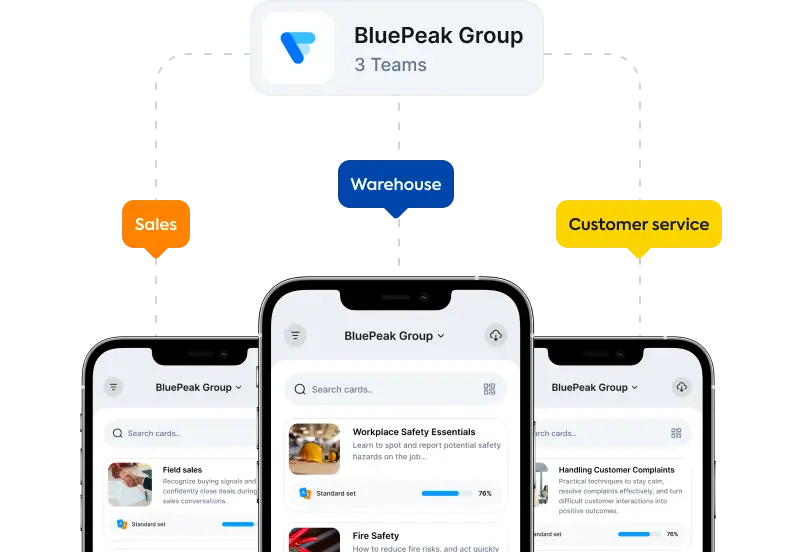
Auto-organizing Teams
Replicate your org structure by grouping learners by branch, department, or team, with as many levels as you need. Use dynamic teams to auto-sort by attributes, then assign admin roles and permissions to manage your portal with control.
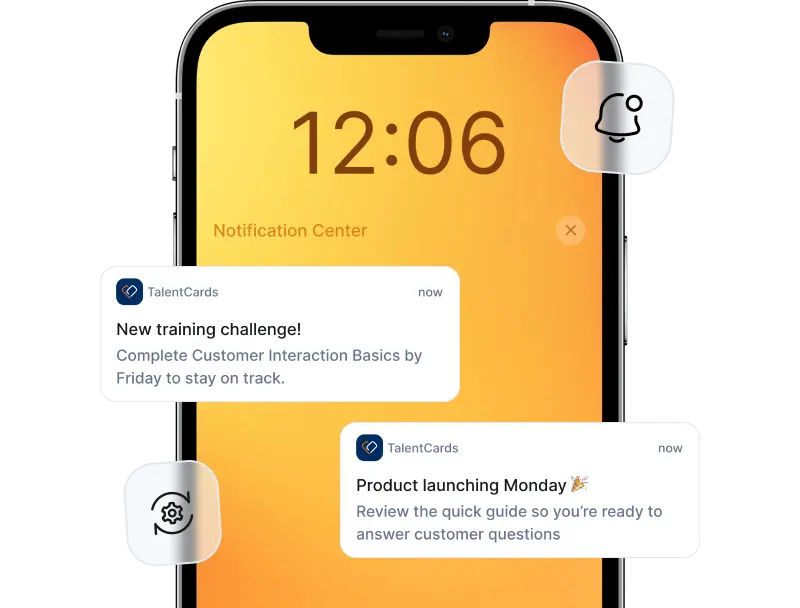
Push Notifications
Push notifications go straight to smartphones when training changes, so critical info reaches every shift immediately. No waiting on emails that never get checked.
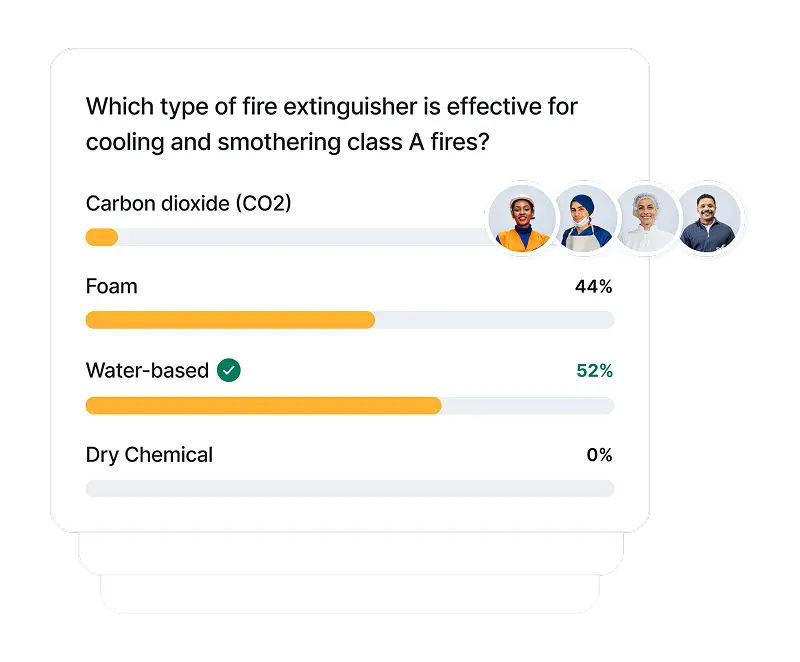
Knowledge Gap Insights
See which quizzes and questions trip people up the most so you can fix knowledge gaps before they become costly mistakes on the floor or in the field.
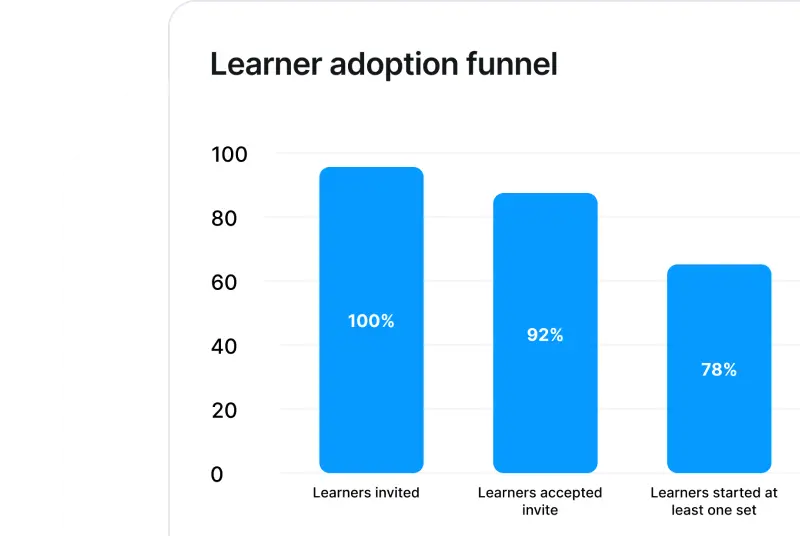
Adoption Tracking & Analytics
Track adoption across locations in real time: who’s downloaded the app, who’s started training, and who’s completed what they need to. No more guessing who’s ready and who’s not.
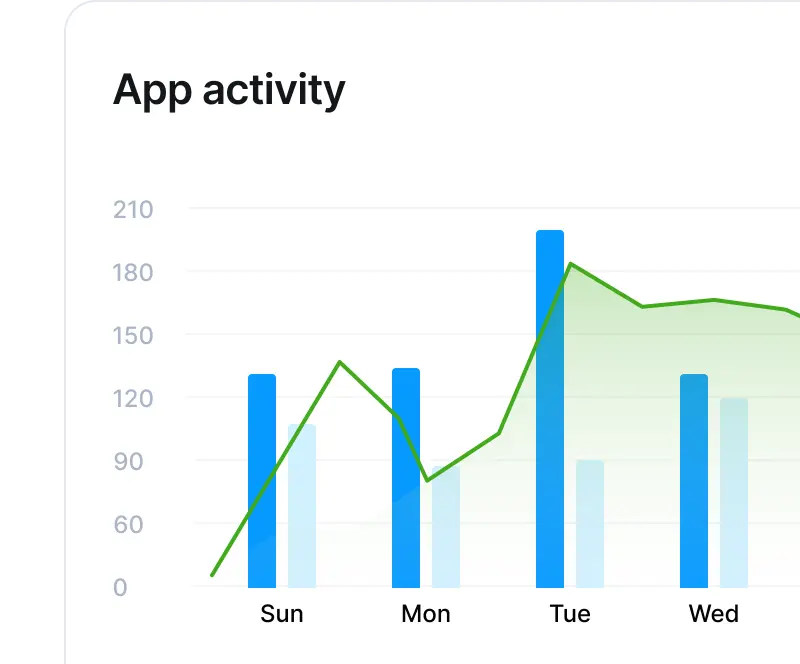
Automated Reports
Schedule reports once, and they’ll get sent automatically, so compliance data and training status are already in stakeholders’ inboxes before they ask for them.
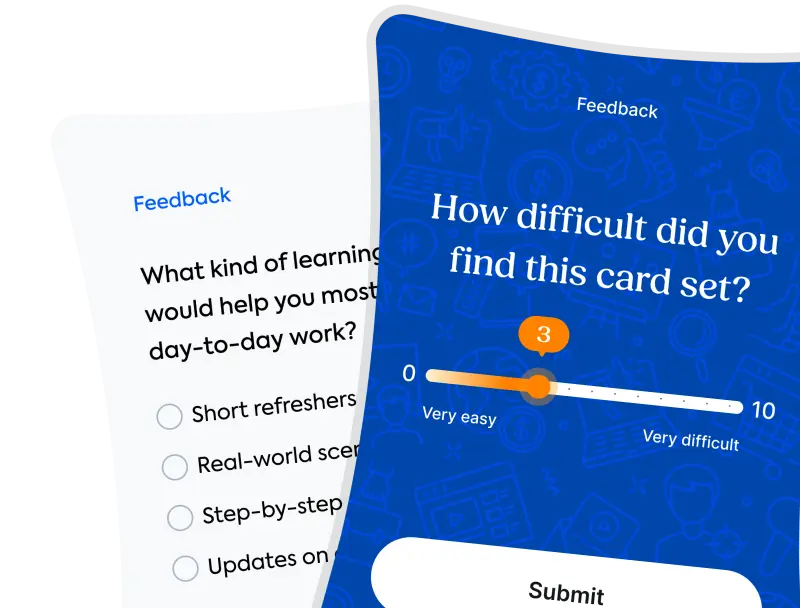
In-App Polls & Surveys
Run polls and surveys right in the app to gather feedback on training, processes, or anything else, so TalentCards becomes a two-way channel, not just a one-way push of content.
Analytics and reporting features
Prove what’s working. Fix what’s not.
TalentCards gives you real visibility across teams and locations, so you can catch gaps before they become problems and prove completion when it matters.
Launch deskless training today with TalentCards, not next quarter
1
Create mobile training in minutes
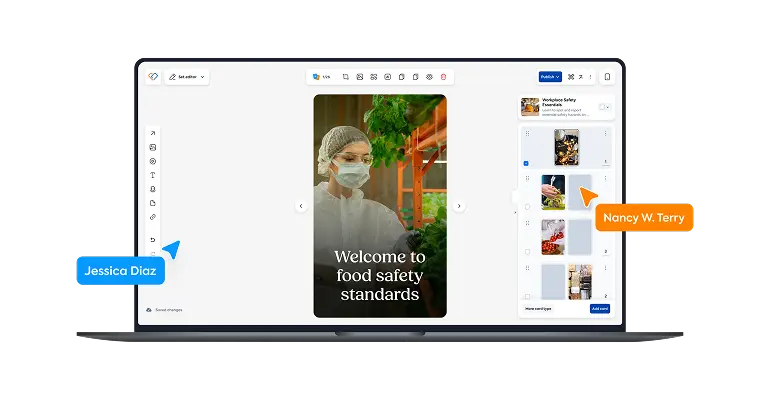
Type a topic, and let TalentCards’ AI generate a microlearning course. Upload PDFs to convert into card sets, or build training from scratch. No matter your input, the result is always a mobile-ready course.
2
Invite your teams
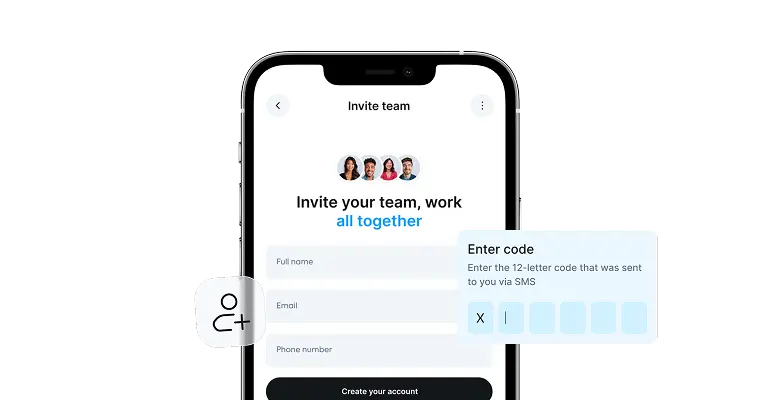
Add learners by phone number or email, organize by location or role, and assign training. They download the app, enter a code, and they’re in.
3
Launch and track
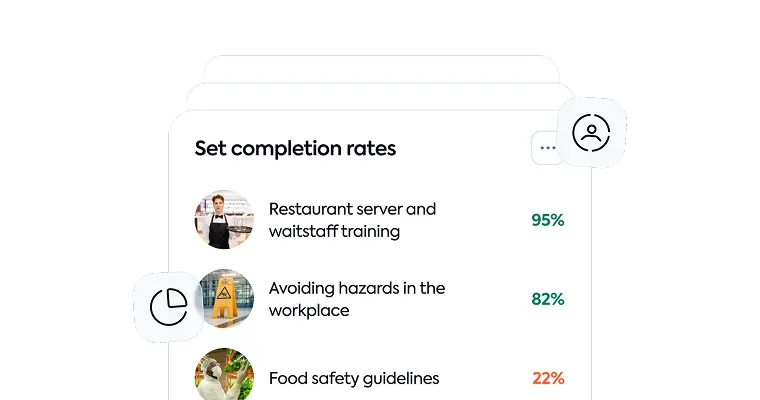
Share training with a click. Track who’s completed what across locations in real time. Update content and push changes instantly so everyone stays aligned, everywhere.
Frequently asked questions
How is TalentCards different from a traditional LMS?
Traditional LMSs assume your team has desks, time for hour-long courses, and company email addresses. TalentCards doesn’t. It’s built mobile-first for deskless teams: short flashcard-based training, offline access, QR codes at the workstation, and the ability to invite learners with just a phone number. Training fits the job, not the other way around.
Can I use my existing training materials?
Yes. Add your own images, videos, audio files, and more to your card sets. You can also attach PDFs, or upload them to TalentCards and let the platform turn them into mobile-ready card sets in minutes.
Can learners access training from their personal phones?
Yes. TalentCards is a mobile app that works on iOS and Android, and learners can use their own devices. If you prefer learners to use only company-issued devices, you can configure platform settings to limit the number of devices each learner can log in from.
Do my employees need company emails to use TalentCards?
No. You can invite learners with just a phone number. They download the app, enter a code, and they’re in— no email required.
Will TalentCards work for our multi-location teams?
Yes. You can replicate your org structure with branches, departments, and teams at any level. Push updates to everyone at once, or target specific locations and roles.
Does TalentCards work offline?
Yes. Learners download content ahead of time, so training stays available on the floor, in the field, or anywhere without internet. If they need to reference something mid-shift, it’s always there.
Does TalentCards support multiple languages?
Yes. You can translate your card sets into 100+ languages with one click, so every employee learns in the language they understand best— no added translation costs.
What if our team has high turnover?
TalentCards makes onboarding fast. New hires download the app, get assigned a learning path, and can start training immediately, even before their first shift. In the event that an employee leaves, you can deactivate them to free up their seat, while keeping their training history for your records.
How do I put training resources right where the work happens?
Every card set you create in TalentCards has its own QR code. You can print it out and place it on equipment, products, or workstations so employees can scan and get exactly what the info they need, right when they need it.
Do we need IT support to set up TalentCards?
No. Setup is straightforward: create your org structure, create or generate your training content, and invite learners. Most admins handle it themselves without IT involvement.
How much does TalentCards cost?
In addition to a free plan, TalentCards offers two paid plans: Standard and Premium. Pricing is based on the number of active users in your portal, starting at 50 users and scaling in 50-user increments.
The Standard plan costs $1.00 per user per month, and the Premium plan costs $1.50 per user per month, both on monthly billing. Annual billing saves you 20% on either plan.
Active users are those who can log in to the app. You can deactivate users at any time to free up seats for new hires. Their training history stays in your portal, but they can no longer access the platform. All prices are in USD. See a complete breakdown of the features included in the Standard vs Premium plans on our Pricing Page.
Does TalentCards integrate with our existing systems?
TalentCards integrates with popular HR and workforce management systems via our public API.
What devices and operating systems does TalentCards support?
The TalentCards app works on iOS and Android smartphones and tablets. Admins create and manage content via a web browser.
What kind of support do I get with TalentCards?
All paid plans include a free 90-minute onboarding session with our customer education team to learn the ins and outs of the platform and get your questions answered. Invite your admins, and we’ll share the recording of the session for you to keep for future reference. You’ll also have access to our support team via email and chat, plus a full knowledge base with guides and tutorials. Customers on the Premium plan with 200+ users get a dedicated Account Manager.
Where are your servers located, and is my data secure?
TalentCards servers are hosted on secure cloud infrastructure with data centers in the U.S. and the EU. All data is encrypted in transit and at rest, and we’re compliant with industry-standard security practices, including GDPR.
Mobile-first training that fits in pockets, not on desks
Reach deskless employees on their phones with training that works offline, uses QR codes at the workstation, and fits in their pockets— not on a desk they don’t have.
Microlearning that respects the shift
Short, focused flashcards replace hour-long courses that your frontline doesn’t have time for. Perfect for on-the-job moments when your team needs quick answers, not long lessons.
Set up in minutes, not weeks
Admins create courses fast. Learners download the app and enter a code. No IT setup, no training on how to use the training. Just simple, immediate access from day one.

Create training that goes where your people go
Try TalentCards today, completely free. No credit card required.